Note
Go to the end to download the full example code.
Calendar-aware datetime series
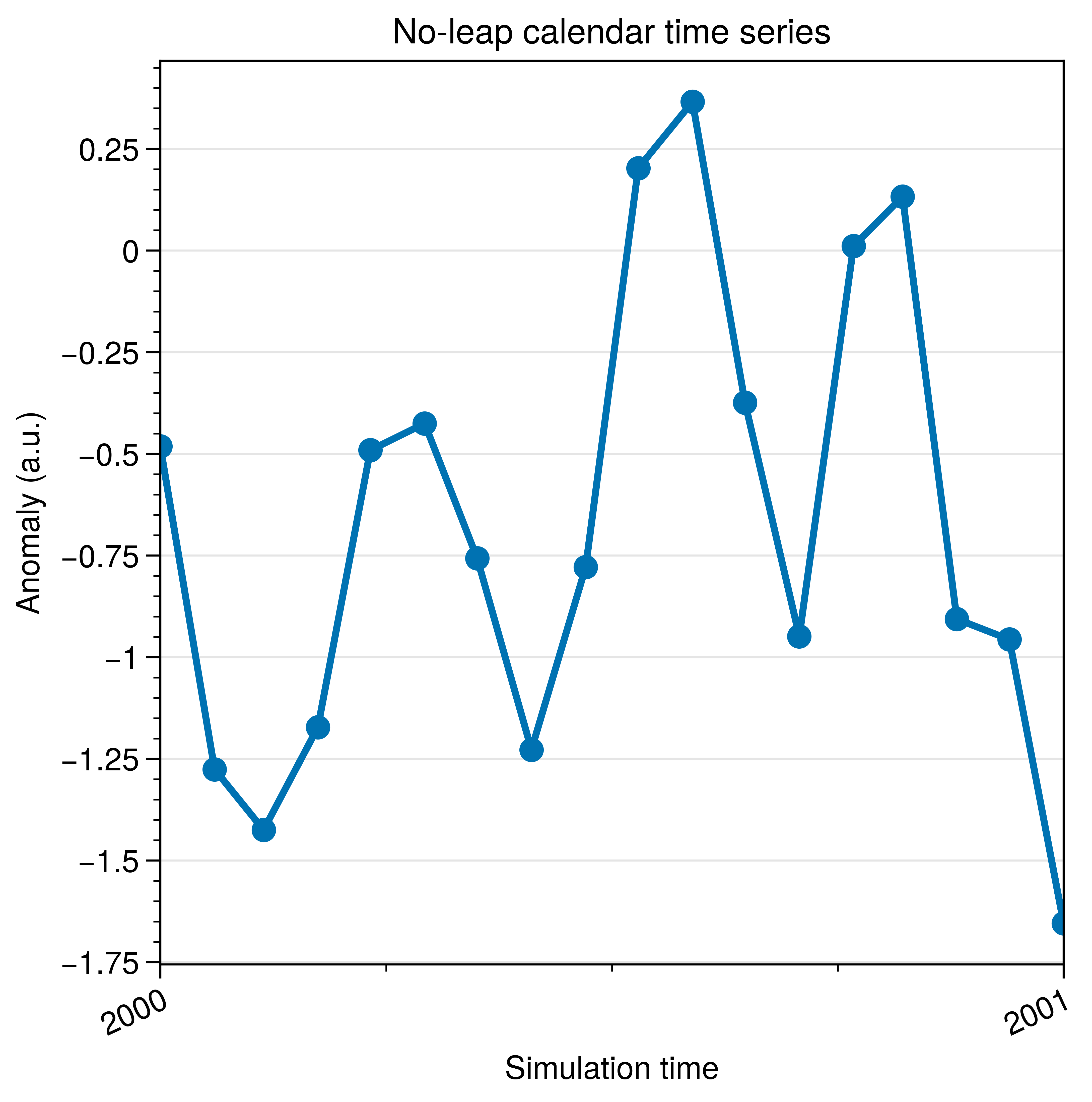
Plot cftime datetimes with UltraPlot’s automatic locators and formatters.
Why UltraPlot here?
UltraPlot includes CFTime converters and locators so climate calendars plot cleanly without manual conversions. This is a common pain point in Matplotlib.
Key functions: ultraplot.ticker.AutoCFDatetimeLocator, ultraplot.ticker.AutoCFDatetimeFormatter.
See also
import cftime
import matplotlib.units as munits
import numpy as np

import ultraplot as uplt

dates = [
    cftime.DatetimeNoLeap(2000 + i // 12, (i % 12) + 1, 1, calendar="noleap")
    for i in range(18)
]
values = np.cumsum(np.random.default_rng(5).normal(0.0, 0.6, len(dates)))

date_type = type(dates[0])
if date_type not in munits.registry:
    munits.registry[date_type] = uplt.ticker.CFTimeConverter()

fig, ax = uplt.subplots(refwidth=3.6)
ax.plot(dates, values, lw=2, marker="o")

locator = uplt.ticker.AutoCFDatetimeLocator(calendar="noleap")
formatter = uplt.ticker.AutoCFDatetimeFormatter(locator, calendar="noleap")
ax.xaxis.set_major_locator(locator)
ax.xaxis.set_major_formatter(formatter)

ax.format(
    xlabel="Simulation time",
    ylabel="Anomaly (a.u.)",
    title="No-leap calendar time series",
    xrotation=25,
)

fig.show()